
Discover the Lua Programming Language Its Power for Games and Embedded Systems
· 22 min read

If you’re a developer today in 2026, you might often hear about big, popular programming languages. But sometimes, a smaller, older language like the lua programming language still holds a special power. It’s often used quietly behind the scenes, making many of the apps and games we love run smoothly.
Lua started way back in 1993 in Brazil as a language to help extend software applications, meaning it could add new features easily Lua – Wikipedia. Fast forward to 2026, and Lua is still super important. It’s known for being lightweight, very efficient, and easy to embed into other programs. Think of it as the perfect tool for scripting tasks, making games, or running small parts of bigger systems quickly Lua: about. It was designed to be simple, small, and easy to move between different computer systems A Look at the Design of Lua.
For many developers, checking out a new or "niche" language can feel tricky. You might wonder: Is it really used?

Will I find good tools to help me code? Does it have a strong community? These are fair questions, because nobody wants to spend time learning something that won’t be useful.
This guide is here to clear things up. We will show you the main ideas behind the lua programming language. You’ll get clear examples, from simple "banana coding" steps that show basic code input to understanding full code snippets. We will also talk about how Lua performs and give you a simple path to start learning it today. You can also explore how to master programming language fundamentals in 2026 to strengthen your overall coding skills.
Staying updated on all tech, including languages like Lua and the latest in AI, is key for any developer.
Discover What’s Next in AI and Tech
Don’t miss out on the rapid changes in software development and artificial intelligence. Get daily, in-depth updates delivered right to your inbox.
The AI Newsletter Worth Reading
The lua programming language came to life in 1993 at a university in Brazil Lua. Background of the Programming Language – Medium. The people who made it wanted a simple language that could easily be added to other programs. This meant it could help bigger software gain new features without being too heavy or slow. This idea of making a "sidekick" language, one that extends other applications, was a big part of its original design The Evolution of Lua.
Lua’s main ideas are easy to understand. Its creators focused on a few core goals:
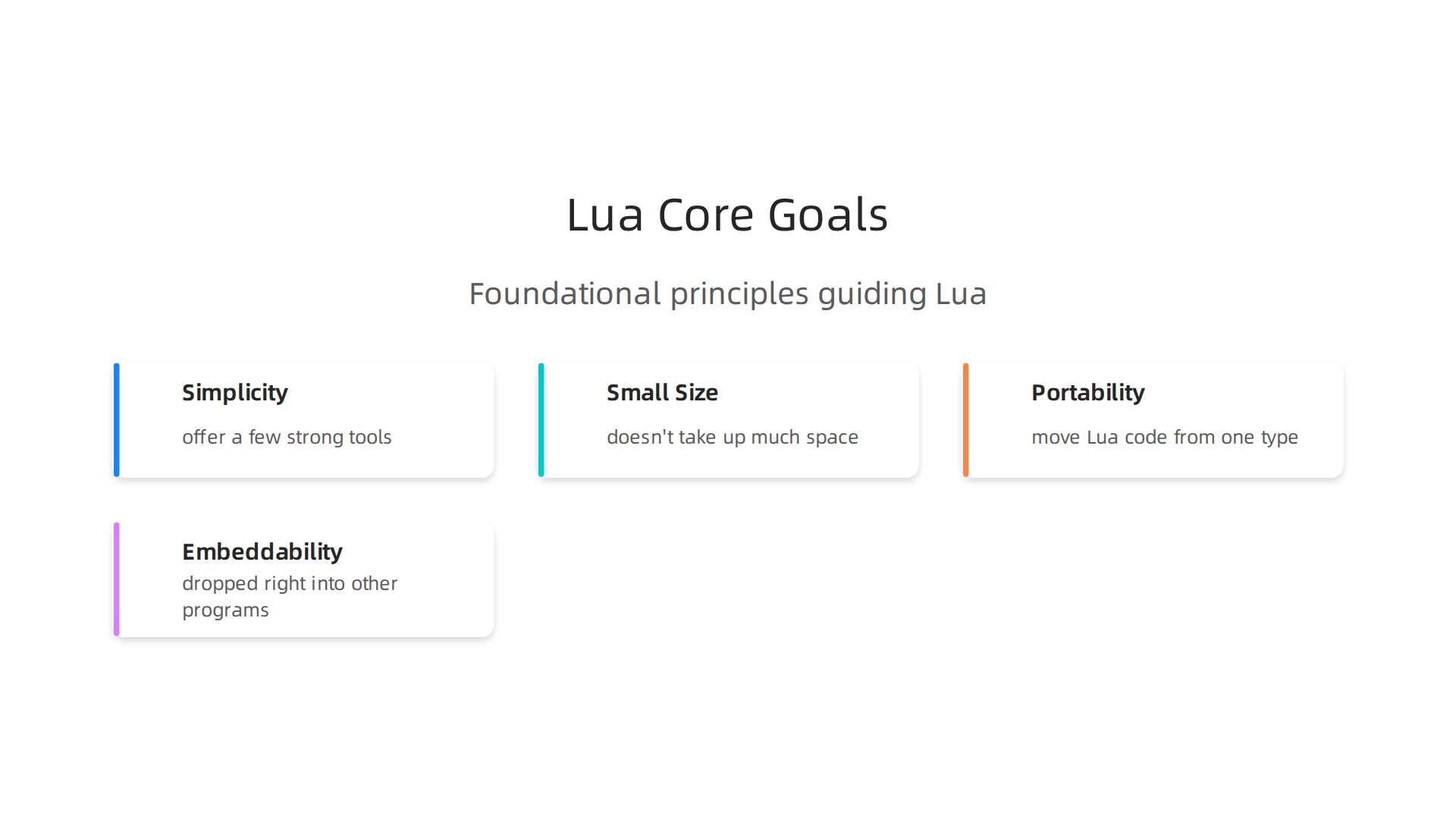
- Simplicity: Lua doesn’t have too many rules or complicated parts. It tries to offer a few strong tools that can do many things, instead of lots of special commands A Look at the Design of Lua. This makes it easier for developers to learn and use.
- Small Size: The language itself is very tiny. This means it doesn’t take up much space or memory on a computer.
- Portability: You can easily move Lua code from one type of computer system to another without many changes. This is a huge plus for developers.
- Embeddability: This is one of Lua’s superpowers. It means Lua can be dropped right into other programs, like a small engine in a bigger car.
Because of these goals, Lua works a bit differently from some other languages. It uses "dynamic typing," which means you don’t always have to say what kind of data a variable holds before you use it. This gives developers more freedom. It also has strong "meta-programming" features, which means programs can change how they work while they are running. Plus, its "runtime" (the part that makes the code actually go) is very small and fast.
You’ll find Lua hidden inside many programs. It’s very common in game engines, where it helps game makers quickly script how characters act or how things happen in the game.

It’s also used in small smart devices, often called IoT (Internet of Things) devices, to control how they work. Think of it as the brain inside a smart lightbulb, managing its actions. For example, if you’re looking to build IOT based smart parking system code for your city, Lua could be a good choice for some of the smaller, embedded parts. Many larger applications use Lua as a "configuration language" to set up how they run, or as a "scripting engine" to let users add their own custom features.
Learning the basics of Lua, from simple code input to understanding full code examples, is often called "banana coding" because it’s so straightforward. It’s designed to be a clear, no-fuss path for developers.
Don’t miss out on the rapid changes in software development and artificial intelligence. Get daily, in-depth updates delivered right to your inbox. The AI Newsletter Worth Reading
If you’re looking to understand the core of the lua programming language, you’ll find it’s built on simple ideas. This is what makes "banana coding" in Lua so appealing for many developers in 2026. The official language guides, like the Lua 5.4 Reference Manual – contents, lay out these basics clearly.
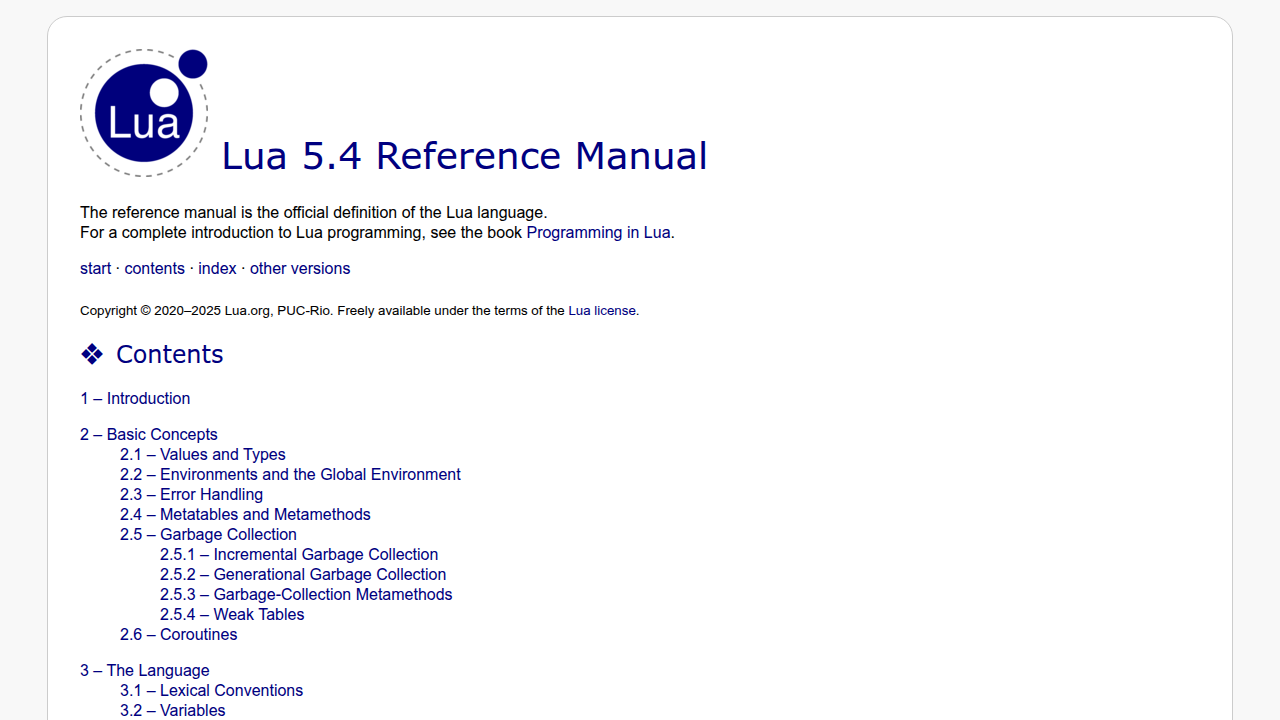
Here’s a quick look at how you write code input in Lua and its main building blocks:
Lua’s Basic Building Blocks
Lua keeps things simple with its data types. Think of data types as the different kinds of information a program can hold.

- Nil: This means "nothing." It’s like an empty box.
- Boolean: This is simply
trueorfalse. It helps the program make choices. - Number: All numbers in Lua, whether whole or with decimals, are of this type.
- String: This is for text, like words or sentences. You put them in quotes, like
"Hello"or'World'. - Function: This is a block of full code that does a specific job when you tell it to.
- Table: This is a super important one. Tables are how Lua groups data together. They can act like lists or like dictionaries where you look things up by a name. You’ll use tables a lot for almost everything.
How Lua Programs Make Choices and Repeat Actions
Just like other programming languages, Lua has ways to control what your program does.
Making Choices (Conditionals)
You use if, then, and else to make decisions.
if age < 18 then
  print("You are young!")
else
  print("You are an adult.")
end
Repeating Actions (Loops)
Lua has different loops to do things again and again.
whileloop: Keeps going as long as a condition is true.local count = 1 while count <= 3 do print("Count is " .. count) count = count + 1 endforloop (numeric): Counts from one number to another.for i = 1, 5 do print("Loop number " .. i) endforloop (generic): Works great for going through all items in a table.local fruits = {"apple", "banana", "cherry"} for index, value in ipairs(fruits) do print(value .. " is at position " .. index) end
Tables Are Everything
In Lua, tables are your go-to for almost all complex data. They are very flexible. You can even store functions inside tables. For advanced uses, Lua has "metatables." These let you change how tables act in special ways, like making them do something specific when you try to add two tables together. It’s a powerful feature that gives developers a lot of control.
If you’re eager to learn more about how programming languages work, and how to get started with them, consider improving your foundational knowledge. You can really Master Programming Language Fundamentals in 2026 with the right resources.
To write bigger and better programs in the Lua programming language, you’ll need ways to keep your code organized. This is where "modules" and "packages" come in handy.

Think of them as building blocks that help you break down a large project into smaller, easier-to-manage parts. This makes "banana coding" much more structured and less like a tangled mess.
Organizing Your Lua Projects with Modules
In Lua, a module is just a table that holds related functions and variables. You can create a module in one file and then "require" it in another file. This lets you reuse your full code and keep things neat. It’s like having different toolboxes for different jobs. For example, you might have one module for math helpers and another for handling code input from users.
Lua finds these modules by looking at something called package.path. This is a list of places where Lua expects to find your module files. When you require a module, Lua checks these paths until it finds the right file.
Using Package Managers for Easier Development
As your projects grow, you might need to use code written by other people. This is where "package managers" become super helpful. A package manager helps you find, install, and manage these external pieces of code, often called "libraries" or "rocks" in Lua.
The most popular package manager for the Lua programming language is called LuaRocks. It’s been around for a while and makes it easy to add new features to your Lua projects. LuaRocks helps you install "rocks," which are like little packages of Lua code that you can use. It handles all the tricky parts of making sure everything works together, like sorting out other bits of code your chosen rock might need to run. You can find many Lua packages through systems like Best Open Source Lua Package Managers.
Tools for Better Lua Development
Besides package managers, other tools help you write better Lua code.
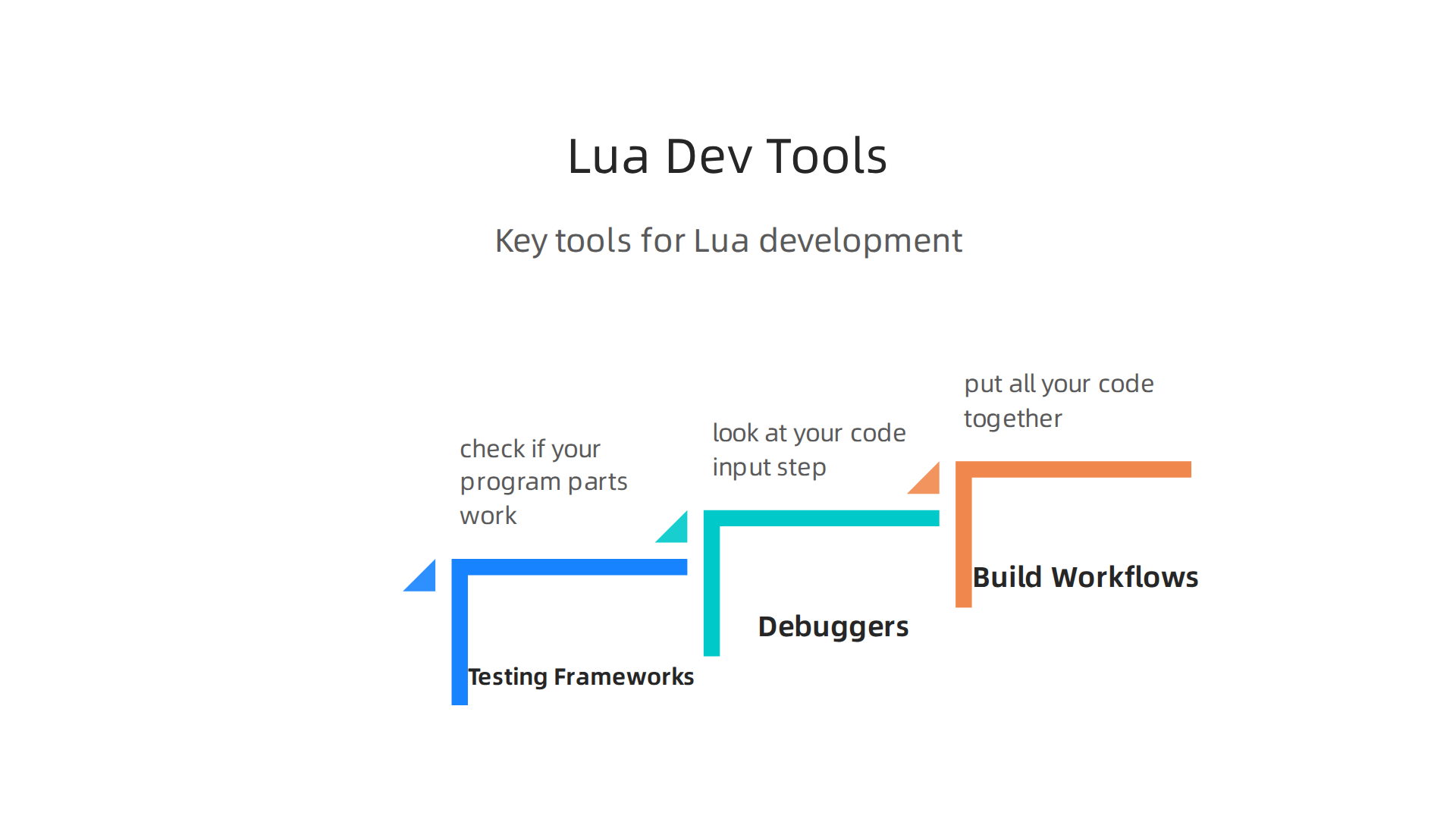
- Testing Frameworks: These let you write special
full codeto check if your program parts work as expected. This is very important for making sure your program doesn’t have bugs. - Debuggers: When your program doesn’t work right, a debugger helps you look at your
code inputstep by step. It lets you see what’s happening inside your program as it runs, which helps you find mistakes. - Build Workflows: For bigger projects, you might use tools that help you put all your code together and prepare it for sharing.
Keeping Your Projects Tidy and Easy to Maintain
When building Lua projects, especially larger ones, it’s a good idea to think about how you set up your files and folders. This makes your full code easier for you and others to understand and update later. If you’re just starting out, there’s a practical roadmap that can help you learn to code in 2026.
- Keep related files together.
- Use clear names for your modules and files.
- Add comments to explain complex parts of your code.
These small steps can save you a lot of headaches later on. If you’re looking for more ways to keep your development work smooth and informed about the latest tech, staying updated is key.
Get clear daily AI updates from The AI Newsletter Worth Reading.
When you build bigger programs in the Lua programming language, you might start thinking about how fast they run. This is where topics like performance, embedding, and how Lua talks to other programs become important. It’s not just about organizing your full code well; it’s also about making it quick and smooth.
Boosting Lua Performance
Sometimes, your Lua programs need an extra kick to run faster. There are a few ways to do this.
- LuaJIT: This is a special version of Lua that includes a "Just-In-Time" (JIT) compiler. Think of it like a smart helper that watches your Lua
code inputas it runs and figures out how to make parts of it much faster. LuaJIT is known for its amazing speed. - Native Extensions: For parts of your program that need to be super fast, you can write them in another language, like C, and then let your Lua program use them. These are called native extensions, and they help you get the best speed where it matters most.
- Smart Code Design: Even how you arrange your data and write your Lua
full codecan make a big difference. Thinking about how data flows and is stored can make your program more efficient.
Embedding Lua with the C API
One of the coolest things about the Lua programming language is that it’s easy to "embed" it inside other programs. This means you can add Lua’s power to programs written in other languages, like C or C++. This is often done in video games or other applications where you want to make parts of the program flexible and easy to change without rebuilding everything.
To make this happen, Lua provides something called the "C API." This is a set of special rules and tools that lets your C program and your Lua code talk to each other. The official Lua documentation describes exactly how to use this API. The main idea is that your C program can call Lua functions, and your Lua code can call C functions. This mix-and-match approach is very powerful.
When you embed Lua, you get a lot of flexibility. You can update game rules or application logic just by changing a Lua script, instead of having to recompile the entire main program. However, it does add a bit of extra work to set up the communication between the two languages.
Running Lua in Production
When your Lua project grows and becomes a real program that many people use, you need to think about how it behaves in the real world. This is called "operational considerations."
- Memory Use: Lua is known for being light on memory. But for very big programs, you still need to keep an eye on how much memory your
full codeis using to make sure it doesn’t slow down or crash. - Concurrency: This means how your program handles doing many things at once. Lua has ways to deal with tasks happening side-by-side, but it needs careful planning to avoid problems.
- Sandboxing: If your program runs Lua code from outside sources (like user-submitted scripts), you might want to "sandbox" it. This means putting it in a safe box where it can’t harm the rest of your system or access things it shouldn’t. It’s a way to keep your program secure.
Learning about these advanced topics can help you truly master the lua programming language and build robust applications. If you are looking to deepen your skills across languages, consider exploring how to Master Programming Language Fundamentals in 2026.
Using Lua with Modern Tooling and AI Workflows
Even though the Lua programming language is small and fast, it also fits into how we build things today, even with new AI tools. While Lua might not be the main language for building big AI models, it’s super useful for making other parts of your projects run smoothly.
Lua and AI in 2026
You might not write your whole AI program in Lua, but it can work well with AI. Think of Lua as a helpful sidekick. For example, if you have a big program that uses AI, you could use Lua to write small scripts that:
- Prepare your data before the AI sees it.
- Make decisions based on what the AI outputs.
- Automate tasks in your system that relate to AI processes.
AI coding helpers are also becoming more common in 2026. These smart tools can understand different programming languages, including Lua. So, when you provide your Lua code input, these AI assistants can help you write, check, or even fix parts of your full code. This means you can still get smart help even when working with the simple and fast Lua programming language. If you’re looking to dive deeper into how AI is changing coding, consider checking out how to use AI for software development in 2026.
How Lua Talks to Other Programs
One of Lua’s best tricks is how easily it can work with other programs, especially those written in Python, which is a big player in AI. You can make your Lua code talk to Python programs, letting you use Lua for fast scripting while still tapping into powerful Python AI libraries. This way, Lua acts as a bridge.
Lua is also great for calling outside services. This means your Lua program can send and receive information from other websites or systems, like pulling data from an online AI model. This ability to connect with other services is a big reason why Lua is still powering many game engines and embedded devices in 2026, acting as a "secret engine" that brings flexibility to complex systems.
When your programs share information, they often need to "serialize" it. This means turning data into a format that can be easily saved or sent to another program. Lua has simple ways to do this, making it easy to share data with your AI stacks or other parts of your full code.
Tools for Smoother Lua Workflows
To make your Lua projects even better, you can use special tools called package managers. The most popular one for the Lua programming language is called LuaRocks. It helps you easily install and manage different Lua modules and libraries, much like how other languages have their own tools for adding extra features.
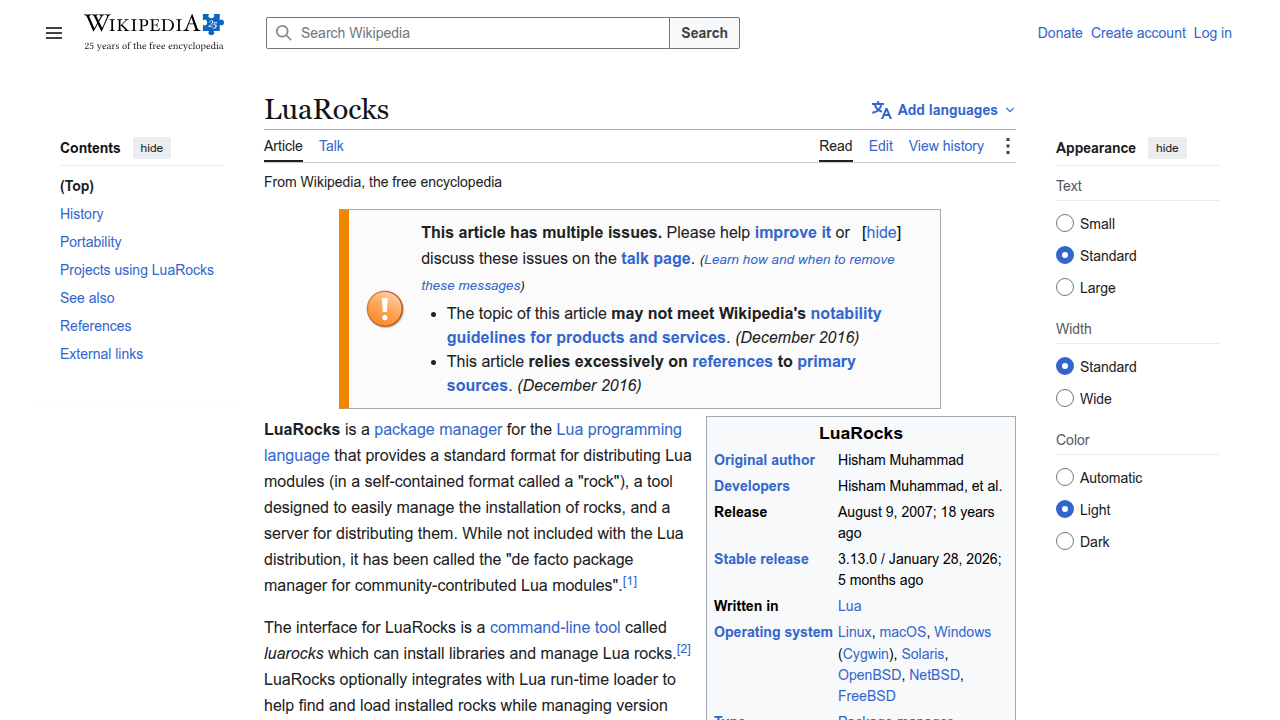
LuaRocks is widely used and makes it simple to add pre-made code to your projects, saving you time and effort. You can find many Lua packages on places like SourceForge.
With these tools and Lua’s ability to connect with other systems and AI, you can make your development process faster and smarter.
Stay informed about the rapid changes in AI and technology. Get daily, in-depth insights straight to your inbox.
The AI Newsletter Worth Reading
Learning path: tutorials, courses, community channels, and best practices
After learning how the Lua programming language fits with modern tools and AI, the next step is to understand how you can start using it yourself. Having a clear path to learn is super helpful for any developer or team. Let’s look at how you can get started, find good lessons, connect with other users, and write your code well.
Getting Started with Lua
If you’re new to the Lua programming language, there are many ways to begin. Many people learn Lua because it is simple and fast, which makes it a great first language. In 2026, you can find a lot of free and paid learning materials online.
- Online Courses and Tutorials: Websites offer full courses that teach you everything from the very basics to more complex ideas. Some popular platforms list many options, including the best Lua courses to take in 2026 and even free Lua scripting courses for beginners.

You can also find step-by-step guides like the Lua Tutorials on LuaGuides that walk you through different topics.
- Video Lessons: For those who like watching how things are done, YouTube is packed with tutorials. You can learn the basics, like how to make comments or print text, through easy-to-follow videos. Some even offer a full Lua Tutorial to get you started. If you’re looking for a wider selection of coding courses, you might also find this guide helpful: Coursera online courses for software developers in 2026.
Many young developers first learn Lua through game platforms like Roblox, where it’s used for scripting games. This hands-on experience is a fun way to understand how the language works.
Joining the Lua Community
Learning is always better when you can talk to others. Online communities are great places to ask questions, share your code input, and get help. Websites like Reddit have dedicated groups where developers discuss Lua, share tips, and help each other learn in 2026. You can often find software engineer projects on Reddit to practice your skills. Staying connected helps you keep up with the newest ways to use Lua and solve problems.
Best Practices for Better Lua Code
As you get better with the Lua programming language, it’s good to follow some best practices. These are like good habits that make your full code easier to understand, fix, and update later.
- Modular Code: Break your code into small, clear pieces. This means each part does one job well. It’s like building with LEGOs instead of one giant block.
- Testing: Always check your code to make sure it works as you expect. This helps you find mistakes early.
- Dependency Hygiene: When you use other people’s code (like libraries you get from LuaRocks), make sure you know what they do and keep them updated.
- Continuous Integration (CI): This is a fancy way of saying you should regularly combine your code changes with everyone else’s changes in a team project. It helps catch problems early and keeps the project running smoothly.
By following these steps, you can start your journey with the Lua programming language and build great things, whether you’re working alone or as part of a team. It’s all about learning, practicing, and staying connected.
When to choose Lua: strengths, limitations, and comparisons with other languages
After learning how to get started with the Lua programming language and follow good coding habits, you might wonder when Lua is the right tool for the job. Not every programming language fits every task. Knowing Lua’s strong points and where it falls short helps you choose wisely for your projects.

Lua’s Strengths: Small, Fast, and Easy to Embed
Lua is known for being super lightweight and quick. This makes it a top choice for "embedding." What does embedding mean? It means you can add the Lua language directly into another larger program, like a video game engine or a small device, to give it extra features or allow users to write custom scripts. In 2026, many programs use Lua this way because it is small and does not take up much memory or power, as explained in "Why Lua Is Powering Game Engines and Embedded Systems in 2026" podcast episode Why Lua Is Powering Game Engines and Embedded Systems in 2026.
Here’s how Lua stands out when compared to other popular languages:
- Compared to Python, JavaScript, and Ruby: Lua is often much faster for certain tasks, especially when using LuaJIT (a special version of Lua that runs code even quicker). It also needs less space on a computer, making it great for places where resources are limited, like embedded systems or routers. For example, Lua has significant performance advantages over Python for game development Lua Game Development: Engines, Scripting & Examples.
- Easy to work with C/C++: Many game engines and device software are written in C or C++. Lua mixes very well with these languages. You can write the core, super-fast parts of your software in C/C++ and then use Lua for the parts that need to change often, like game rules or user settings. This is why it excels for embedding and game scripting Why Lua Excels for Embedding and Game Scripting Tasks – Koder.ai. This combination lets developers have the best of both worlds: speed and flexibility.
- Embedded Devices: From routers to network devices and even consumer electronics, Lua helps manage settings, automate tasks, and add custom features. It’s often used with C/C++ for IoT, web, and edge logic Using Lua for Embedded Development vs. Traditional C ….
Limitations and When to Think Twice
While the Lua programming language is amazing for many things, it’s not perfect for everything.
- Smaller Community: Compared to giants like Python or JavaScript, Lua has a smaller community. This means you might find fewer ready-made libraries or fewer people to ask for help online.
- General-Purpose Apps: For building big, standalone web applications or complex desktop software, languages like Python, JavaScript, or Java might be better. They have more tools and frameworks designed for those kinds of projects.
- "Banana coding": This is a playful way to refer to code that is a bit messy or not well-structured, possibly because of how easily flexible Lua can be. While Lua allows great flexibility, it’s important to stick to good practices to avoid creating confusing or hard-to-maintain
full code. For a better understanding of core coding concepts, you might want to review how to master programming language fundamentals in 2026.
Decision Checklist for Project Leaders
If you’re an engineering manager or product lead thinking about using the Lua programming language for a new project, here’s a quick checklist to help you decide:
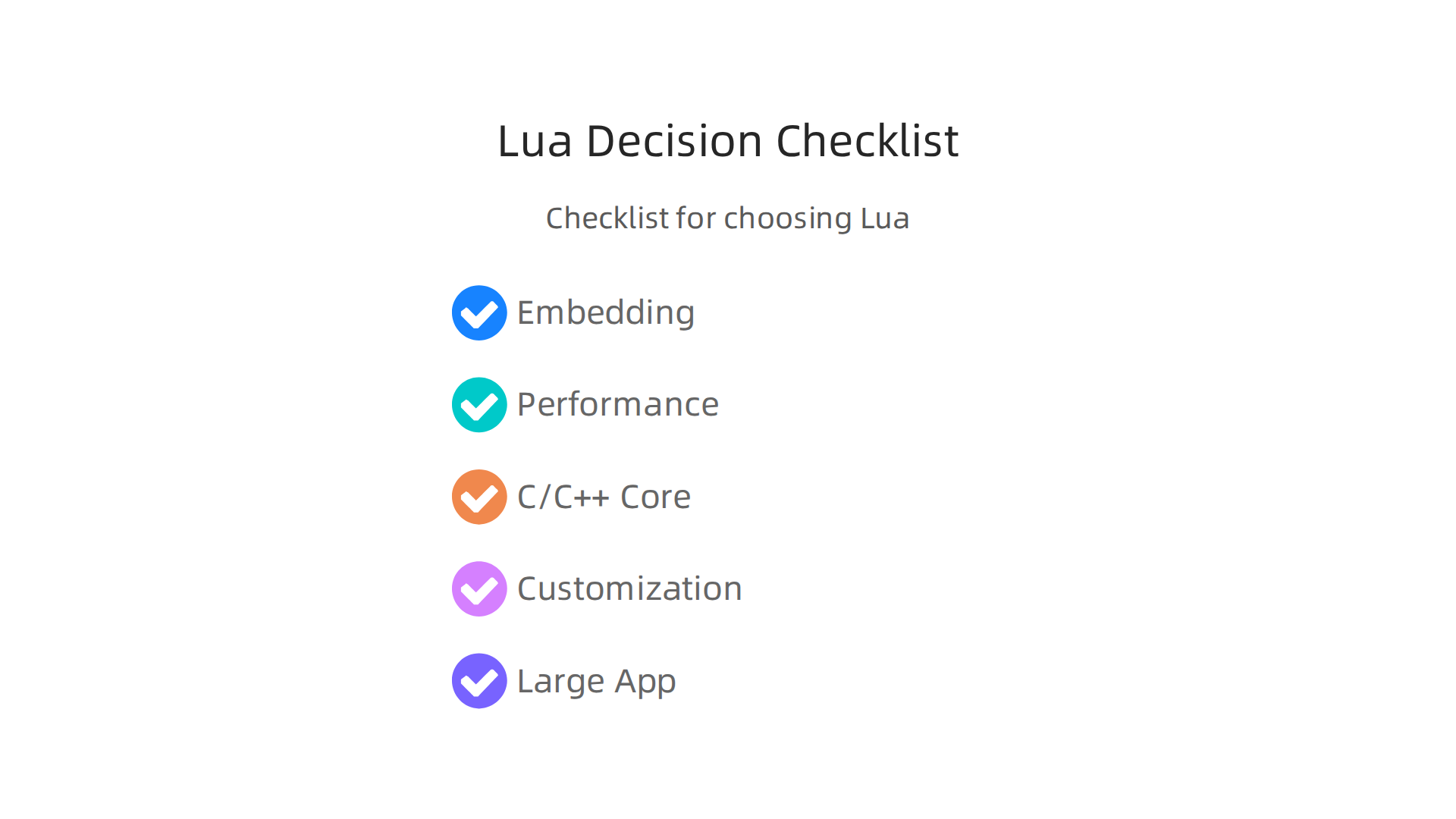
- Is the project about embedding? (e.g., game scripting, device firmware, adding scripting to an existing app) If yes, Lua is a very strong candidate.
- Are performance and a small size important? If your software needs to run fast and use very little memory, Lua fits well.
- Do you need to integrate with C/C++? If your project has a C/C++ core, Lua makes a great companion.
- Is flexibility for users or quick changes a key need? Lua is excellent for letting users customize things or for changing parts of the
code inputwithout rewriting the whole program. - Is this a very large, standalone application that needs a vast ecosystem of libraries? If so, other languages might be a better fit due to their larger communities and toolsets.
By weighing these points, you can make an informed choice and see if the Lua programming language is the secret ingredient your next project needs.
Summary
This article introduces the lua programming language and explains why a small, embeddable language from 1993 remains valuable in 2026. It covers Lua’s core goals—simplicity, small size, portability and embeddability—and walks through basic syntax, data types, tables, conditionals and loops so you can read and write simple scripts. The guide then explains project structure with modules and package managers (LuaRocks), tooling like debuggers and testing, and how to organize larger codebases. It examines performance options including LuaJIT and native C extensions, how to embed Lua via the C API, and operational concerns like memory, concurrency and sandboxing. The article also shows how Lua fits into modern AI workflows, IoT and game engines, and offers learning resources and best practices to help you decide when Lua is the right choice for a project.