
C++ Online Compilers 2026 Features Communities and AI Tools
· 20 min read

Introduction: Why C++ Online Compilers Matter Now More Than Ever
Picture this: you want to try a quick C++ idea, but your laptop doesn’t have a compiler installed. A few years ago, that meant a long setup. Today, you just open a browser tab. That simple shift has changed how we prototype, learn, and work together with C++.

C++ is far from fading away. In 2025, there were 16.3 million C++ developers worldwide, and that number grew 72% in just four years, according to Bjarne Stroustrup. With cloud-based development and AI-assisted coding becoming the norm, a cpp online compiler is no longer a nice-to-have, it’s a core tool in every developer’s stack.
Here’s why: online compilers let you skip installation headaches. You can run, test, and share code instantly. For self-taught learners, they turn any device into a coding lab. For teams, they make collaboration seamless. And as AI coding assistants grow, these tools integrate directly with smart suggestions and auto-completion.
This guide explores the features, communities, and best practices around C++ online compilers in 2026. Whether you are joining a computer science circle, working toward an online certificate program, or just want to test a snippet on a website like find-a-code, having a reliable online compiler changes the game.
If you are new to coding or looking to sharpen your skills, a learn to code roadmap for 2026 can help you take the next step.

And to keep up with how AI is reshaping development tools and workflows, consider The AI Newsletter Worth Reading for daily clear updates.

Stay informed so you can make the most of every new tool that lands in your browser.
The Rise of Online Compilers in Programming Education
Think back to your first attempt at learning C++. You probably had to download a compiler, configure paths, and wrestle with installation errors before writing a single line of code. That wall stops many beginners cold. Online compilers tear down that wall completely.
When you use a cpp online compiler, you skip all the setup. Open a browser, paste in your code, hit run. That’s it. For students in computer science circles who gather to practice between classes, this speed is a game changer. They can share a link and debug together without syncing environments.

The data backs up this shift. According to Bjarne Stroustrup’s latest analysis, the number of C++ developers worldwide reached 16.3 million in 2025, with a 72% growth over just four years. A big part of that surge comes from new learners who can start coding immediately. Online compilers make C++ accessible on any device a phone, a tablet, a school Chromebook.
Many interactive tutorials and coding challenge platforms now embed online compilers directly into their lessons. You read a concept, then code a solution in the same browser tab. No switching windows, no messy setups. That tight feedback loop accelerates skill acquisition. Instead of spending thirty minutes installing software, you spend that time writing loops and exploring data structures.
This is especially valuable for students pursuing online certificate programs. These programs often require quick code submissions and peer reviews. A cpp online compiler lets you test and tweak your work before you hit submit. It also connects naturally with AI coding assistants that suggest improvements in real time.
The rise of online compilers also reflects a broader trend in how we learn technical skills. The old model was: install first, learn second. The new model is: learn first, install later if you need it. That flips the friction point and keeps beginners engaged.
If you are just starting your journey, understanding the tools that make learning easier is half the battle. For a broader look at how the field is evolving, check out these facts about computer science growth and learning paths for 2026.
Platforms like the C++ Online Compiler by NextLeap show exactly how this works.

They give learners a clean, no-hassle environment to run code, experiment with examples, and build confidence. And because these tools are free and always available, they level the playing field for anyone with internet access.
The message is clear: you do not need a powerful laptop or a perfectly configured system to learn C++ in 2026. You just need a browser and a cpp online compiler. That simple shift has opened the door for millions of new developers.
Core Features of Modern C++ Online Compilers
So what separates a basic online compiler from a really useful one? The best tools in 2026 pack serious features that help you write better code faster.
Modern Standard Support and Real-Time Feedback
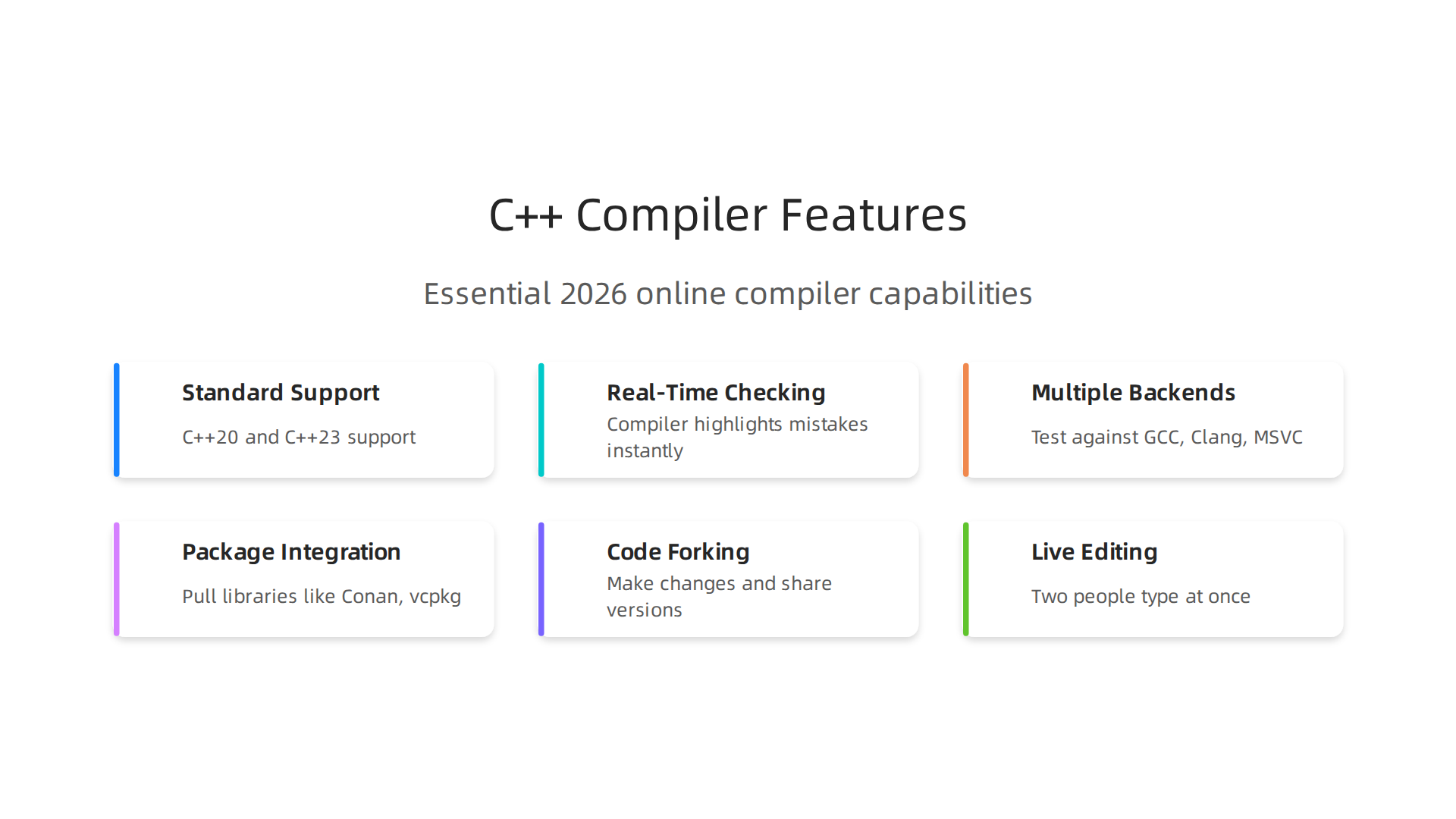
The first thing to look for is C++20 and C++23 support. The language keeps evolving, and modern online compilers keep up. For example, C++20 introduced concepts, ranges, and coroutines. If your online compiler does not support these, you are missing out. The Wikipedia page on C++20 explains the full list of additions. Many top-tier compilers now let you switch between standards with a dropdown.
Real-time error checking is another must-have. As you type, the compiler highlights mistakes instantly. You don’t need to hit "Run" to find a missing semicolon. That instant feedback saves you minutes of debugging.
Multiple compiler backends are also common. You can test your code against GCC, Clang, or MSVC without installing any of them. This is huge when you are working on cross-platform projects. Just pick a backend from a menu and see how each compiler handles your code.
Package Manager and Library Integration
Modern C++ relies on libraries from package managers like Conan and vcpkg. The best online compilers let you pull in these libraries with a single configuration file. Need Boost or fmt? Add a line to your build script and the compiler fetches it for you. No manual downloads, no path headaches.
This integration makes it possible to practice with real-world libraries right from your browser. You can test a new library before adding it to your main project.
Collaboration Features That Make Teamwork Easy
Online compilers have become collaboration hubs. You can share a link to your code with a teammate or mentor. They see your exact code and compiler output. No "it works on my machine" excuses.
Many platforms offer code forking and live editing. Fork a snippet, make changes, and share your version. Live editing lets two people type in the same code window at once. This is great for pair programming or tutoring sessions.
If you are just starting to code, these features help you learn faster. You can work alongside experienced developers without needing the same setup. For a full guide on how to start coding in 2026, check out this practical roadmap for beginners using AI and real projects.
Why These Features Matter
Older online compilers were simple code runners. Modern ones are full development environments. They support the latest standards, connect to package managers, and help you collaborate. All from a browser tab.
If you want to stay on top of new tools and AI developments in coding, The AI Newsletter Worth Reading delivers clear daily updates straight to your inbox. It’s a simple way to keep learning without getting overwhelmed.
Online Communities: The Social Backbone of C++ Learning
Even the best cpp online compiler cannot teach you everything on its own. Real growth happens when you connect with other developers. Online communities give you a place to ask questions, get code reviews, and learn from people who have already solved the problems you are facing.
Where the C++ Community Gathers
The C++ world is full of active spaces where developers of all levels help each other.
One of the biggest is the r/cpp subreddit with hundreds of thousands of members. People share news, ask for advice, and post code snippets every day. It is a good first stop when you are stuck on a bug.
Stack Overflow remains a reliable resource for specific technical questions. But for ongoing conversations, many developers prefer real-time chat. The Cpplang Slack and the #include<C++> Discord are two popular choices. Both are welcoming to beginners. You can hop in, introduce yourself, and start asking questions right away.
For a complete directory of active spaces, check out this list of C++ community resources that includes forums, social channels, and local meetups. It covers everything from the C++ subreddit to the German Speaking Forum.
How Online Compilers Connect You to the Community
Modern cpp online compiler platforms often include built-in community features. Many let you share a sandbox with a link. You can send that link to a mentor or a forum and say, "Here is my code, what am I doing wrong?" The person on the other end sees exactly what you see. No setup needed.
Some compilers support code reviews directly in the interface. A reviewer can comment on specific lines and suggest changes. You can then fix those issues in real time and reshare. This instant feedback loop is powerful for learning.
A few platforms even have public snippet galleries. You can browse code written by others, learn different styles, and fork projects to experiment. This is like having a library of examples you can run instantly.
Mentorship and Peer Learning at Scale
When you combine an online compiler with an active community, mentorship becomes much easier. You can attend virtual study groups or find a coding partner through meetups like Meeting C++ online, which runs monthly online sessions. These events bring together developers from around the world.
If you prefer structured learning, many community members recommend online certificate programs that pair video lessons with hands-on projects. You can complete the projects in a compiler and share them for feedback. That blend of formal learning and peer review accelerates your skills.
For a broader look at how to start building a career in tech, read this guide on computer science jobs and demand in 2026. It shows which skills employers value most.
Why Community Matters More Than You Think
Learning C++ alone is hard. Learning it with a community is faster and more fun. You get unstuck sooner, discover better approaches, and build confidence. Your cpp online compiler becomes a tool, but the people around you become the real resource.
AI-Powered Assistance in C++ Online Compilers
You are typing code in your cpp online compiler and suddenly you get a red error. The message says something about "undefined reference" and you have no clue what that means. A few years ago, you would have copied the error, pasted it into a forum, and waited for help. Now? The compiler itself can help you fix it in seconds.
Artificial intelligence is changing how online compilers work. Many modern platforms include AI features that make coding faster and less frustrating.
This is especially helpful for beginners who are still learning the rules of C++.
How AI Helps You Write and Fix Code
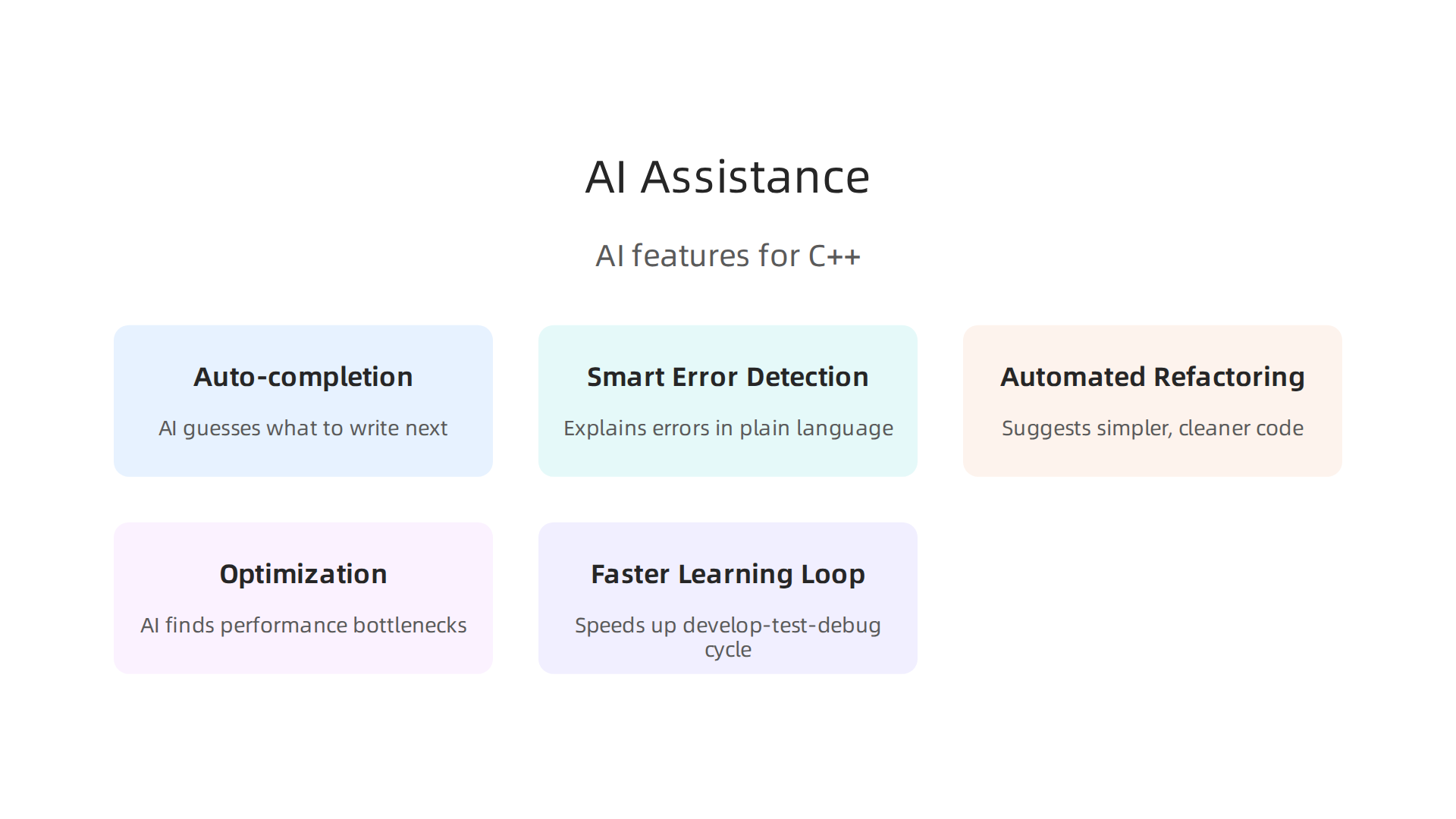
The most common AI feature in a cpp online compiler is auto-completion. As you type, the AI guesses what you want to write next. It suggests function names, variable names, even whole blocks of code. This saves time and helps you learn proper syntax. The best compilers use AI that studies how you code and gets better at predicting your needs over time. You can read more about these capabilities in a list of 10 features of the best online C++ compilers that includes auto-suggestion and built-in debugging.
Another big help is smart error detection. Instead of showing a confusing error message, an AI-powered compiler can explain what went wrong in plain language. For example, it might tell you: "You forgot to include the header for vectors" instead of a long technical line. Some compilers even suggest the fix and apply it for you.
Automated Refactoring and Optimization
AI can also clean up your code. If you write a block of code that works but is messy, the AI can suggest a simpler version. This is called automated refactoring. It might recommend a better loop, remove unused variables, or optimize a slow function.
For developers using more advanced tools like Visual Studio, AI assistants such as GitHub Copilot are now built right in. They can generate code based on natural language descriptions, review your code, and even find performance bottlenecks. The official Visual Studio 2026 release notes highlight new Copilot-powered performance insights that help you run your C++ code faster.
Faster Learning Loop
The combination of an online compiler and AI speeds up the whole develop-test-debug cycle. You write a line, the AI suggests the next. You run the code, the AI catches errors. You fix them, and the AI offers improvements. This loop repeats quickly, so you learn more in less time.
Some platforms like JDoodle and Codeanywhere now offer free AI-powered compilers that include many of these features right in the browser. No installation needed.
If you want to go deeper into how AI assistants work with C++, check out this guide on AI coding assistants in 2026. It covers privacy, trust, and real-world use cases.
And if you want to stay on top of the rapid changes in AI for developers, consider subscribing to The AI Newsletter Worth Reading. It delivers clear daily updates so you never miss a trend.
AI will not replace the need for community or practice. But it can take away a lot of the frustration. Your cpp online compiler becomes not just a tool, but a teacher that works alongside you.
C++ Online Compiler Comparison: A Side-by-Side Analysis
AI tools are great, but you still need a solid cpp online compiler to run your code. Not all compilers are the same. Some focus on speed, others on learning, and some on team work. In this section, we compare five popular options side by side.
We look at Compiler Explorer (commonly known as Godbolt), Replit, OnlineGDB, JDoodle, and Wandbox.
Each has strengths for different situations. The table below shows how they stack up on the features that matter most.
Comparison Table: Top C++ Online Compilers (2026)
| Feature | Compiler Explorer (Godbolt) | Replit | OnlineGDB | JDoodle | Wandbox |
|---|---|---|---|---|---|
| Standard Support | C++20, C++23, and many older standards. You can switch between GCC, Clang, and MSVC. | C++20 and C++17. Uses GCC 13. Limited compiler options. | C++17 and C++20 support with GCC. Easy to switch versions. | C++20 support. Runs on GCC and Clang. | C++20, C++23 (experimental), and many others. Supports GCC, Clang, and more. |
| Execution Speed | Very fast for code snippets and exploring assembly output. Full program execution is good but not the fastest. | Good speed for small to medium projects. Heavier load can be slower. | Fast for quick tests. Good for school assignments. | Fast for simple code. Reliable. | Fast execution. Good for testing across different compilers. |
| Library Availability | Includes many standard libraries. No external package manager. | Supports adding packages via Nix. Good for small projects. | Standard libraries only. No external packages. | Standard libraries. Supports Boost for some versions. | Many standard libraries. Supports Boost and others. |
| UI/UX | Clean, focused on assembly and compiler output. Not beginner friendly. | Modern, full IDE experience. Great for beginners and teams. | Simple, clean interface. Best for quick edits. | Very simple, lightweight. Good for beginners. | Simple but technical. Good for compiler comparisons. |
| Collaboration Features | Shareable permalinks. No real-time collaboration. | Real-time multiplayer editing. Built-in chat and version control. | Shareable links. No real-time editing. | Shareable links. No real-time editing. | Shareable links. No real-time editing. |
Choosing the Right Compiler for Your Needs
Compiler Explorer is the go to tool if you need to understand how your C++ code turns into machine instructions. Developers often use it to debug low-level performance issues. A popular reddit thread on the best C++ online compiler confirms that many professionals rely on Godbolt for quick assembly checks.
Replit shines when you work in a team or want a full coding environment. It includes AI suggestions, built-in package manager, and real-time collaboration. This makes it great for group projects or learning with a friend.
OnlineGDB and JDoodle are perfect for beginners who just want to run code fast without signing up. They offer a clean interface and support C++20 standards.
Wandbox is a hidden gem for advanced users. It lets you test your code with many different compilers and library versions in one place.
If you are just starting to code and want a clear learning path, check out this practical roadmap for beginners that shows how to use online compilers along with AI tools to build real skills.
All five tools are free to use. Your choice depends on what you need most: speed, teamwork, or deep compiler insights. Try a few and see which cpp online compiler feels right for you.
Best Practices for Using Online Compilers in Professional Workflows
Online compilers are not just for students learning C++. Many professional developers use them every day to get work done faster. If you treat these tools the right way, they can save you time and help you build better code. Here are the best practices for using a cpp online compiler in real work settings.
Quick Prototyping
When you have an idea for a new function or algorithm, you do not always need to open your full IDE. A simple online compiler lets you test the logic in seconds.

You can write a small program, run it, see the result, and make changes instantly. This is much faster than waiting for a local build. Many teams use this approach to validate concepts before adding them to the main codebase.
Code Peer Reviews
Code reviews get better when the reviewer can actually run your code. Instead of reading lines on a screen, they can paste the snippet into an online compiler, run it, and see the output. Some compilers let you share a permalink. That way the reviewer gets exactly the same code you tested. This practice cuts down on confusion and makes feedback more useful. If you want to understand code at a deeper level, check out this science-backed framework for deep comprehension that helps with reading and reviewing code effectively.
Interview Preparation
If you are preparing for a C++ interview, online compilers are perfect for practice. Many coding interview platforms work the same way: you write code in a browser and run tests. Practicing with a cpp online compiler helps you get used to the environment. You also learn to write code that compiles and runs correctly without relying on IDE shortcuts.
Integration with CI/CD and APIs
Some online compilers offer APIs that allow you to run code from your own tools. You can connect them to your CI/CD pipeline to test small code snippets automatically. For example, you can send a piece of C++ code from a build script, compile it, and check the output. This is useful for validation or education. Not every platform supports this, but it is a growing feature. Keep an eye on the community for updates. The C++ community shares a lot of good advice, including an overview of online C++ tools you must see in 2026 that covers new integrations.
Security First
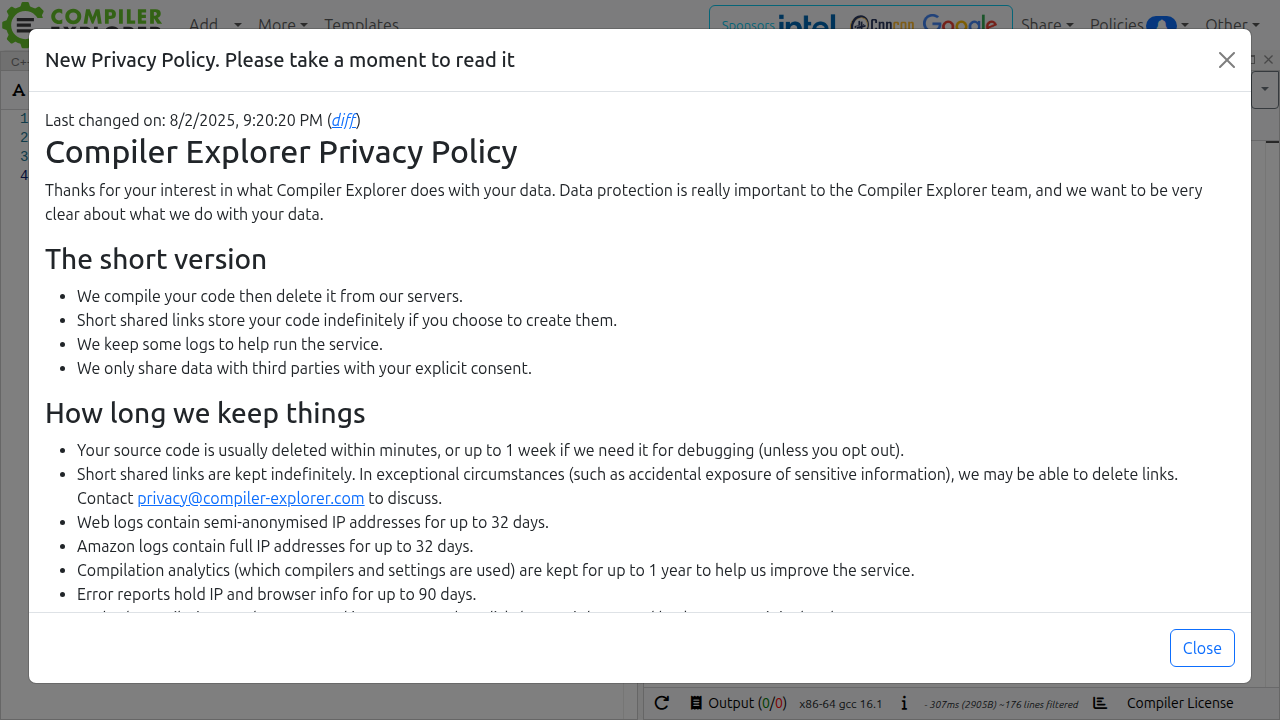
Security matters a lot when using online compilers. Remember that your code runs on someone else’s server. Never paste proprietary code, API keys, passwords, or sensitive business logic into a free compiler. Look for platforms that clearly explain their sandboxing, data privacy, and code ownership rules. Some services delete your code after a few days. Others keep it forever. Read the terms carefully. If you work with sensitive data, use a self-hosted option or a trusted tool.
Staying up to date on all the changes in AI and coding tools can feel like a full-time job. That is why many developers rely on a trusted source to keep them informed. Get clear daily AI updates from The Deep View Newsletter so you never miss what matters.
By following these best practices, you can use online compilers like a professional. They become a powerful addition to your toolbox, not just a quick fix for beginners.
Future Trends: Next-Generation C++ Online Compilers
The world of online C++ compilers is changing fast. By 2026, these tools are no longer just simple code runners. They are turning into smart development environments that can think ahead. Let me walk you through the biggest trends shaping the next generation of online compilers.
Edge Computing and WebAssembly (WASM)
One of the coolest changes is how fast code runs in the browser. Thanks to WebAssembly and edge computing, a cpp online compiler can now compile and execute C++ at near-native speeds. This means you can run complex simulations or game physics directly in your browser without noticeable lag. The C++ community is very excited about this, and you can find a full C++ Online Compilers in 2026 overview that shows how WASM is changing the game on various platforms.
Deeper AI Integration
AI is no longer an add-on. It is becoming the core of the compiler experience. Modern platforms use AI for pair programming, intelligent refactoring, and automated testing. The tool suggests fixes as you type. It even spots performance bottlenecks before you run your code. Some free AI-powered C++ compilers now come with a built-in AI assistant that learns your coding style over time. This is the kind of advancement that makes developers more productive every day.
Cross-Language Interoperability and Cloud IDE Experiences
The line between a compiler and a full development environment is blurring. The best online compilers now let you work with C++, Python, Java, and other languages in the same workspace. You can share code instantly, collaborate in real time, and even connect to cloud storage. If you want to understand how these cloud-based IDE tools are reshaping development workflows, check out this practical guide on AI coding assistants. The future is about seamless experiences, not switching tools.
Staying Updated on AI Trends
Keeping up with all these AI changes can feel like a second job. That is why many developers rely on a trusted source to stay informed. Get clear daily AI updates from The Deep View Newsletter so you never miss the next big innovation in coding tools.
The next generation of online C++ compilers is smarter, faster, and more connected than ever. Embracing these trends will help you code better and faster in 2026 and beyond.

Summary
This article explains why C++ online compilers have moved from convenience to essential tools for learning, prototyping, and team workflows. It covers the core features to look for—modern C++ standard support, real-time feedback, package manager integration, and AI-powered assistance—and shows how those features speed up learning and development. The guide also highlights community benefits like shared sandboxes and code reviews, compares popular platforms (Compiler Explorer, Replit, OnlineGDB, JDoodle, Wandbox), and gives practical best practices for professional use including security, CI integration, and interview prep. Finally, it surveys future trends such as WebAssembly execution, edge computing, and tighter AI integration so you can pick the right compiler and use it safely and effectively.